
Run your first experiment
Change one thing, keep a control group, and let your own numbers decide.


Jump to a section
At a glance
8 practical stepsChange one thing, keep a control group, and let your own numbers decide.
The result to look for: Revenue per extension session, protected against the holdout.
A measured difference from your own shoppers, with a range, and a list of what to test next.
Jump to the stepsWhy it matters
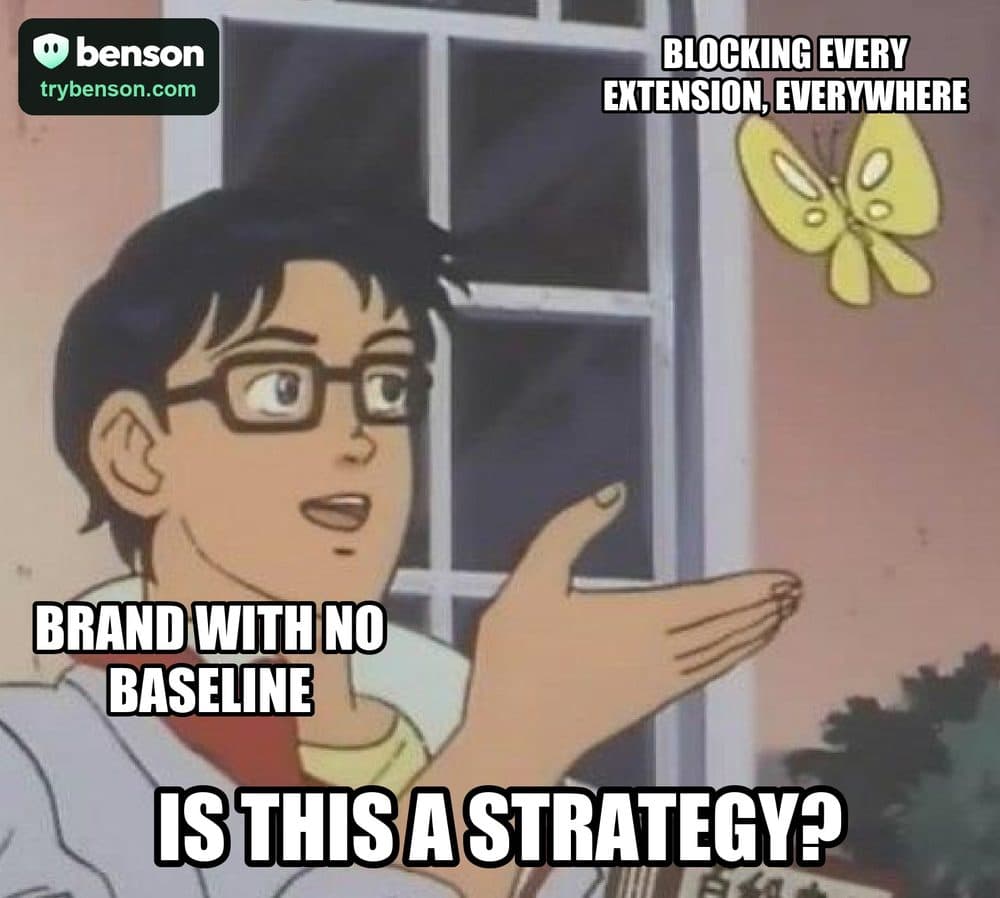
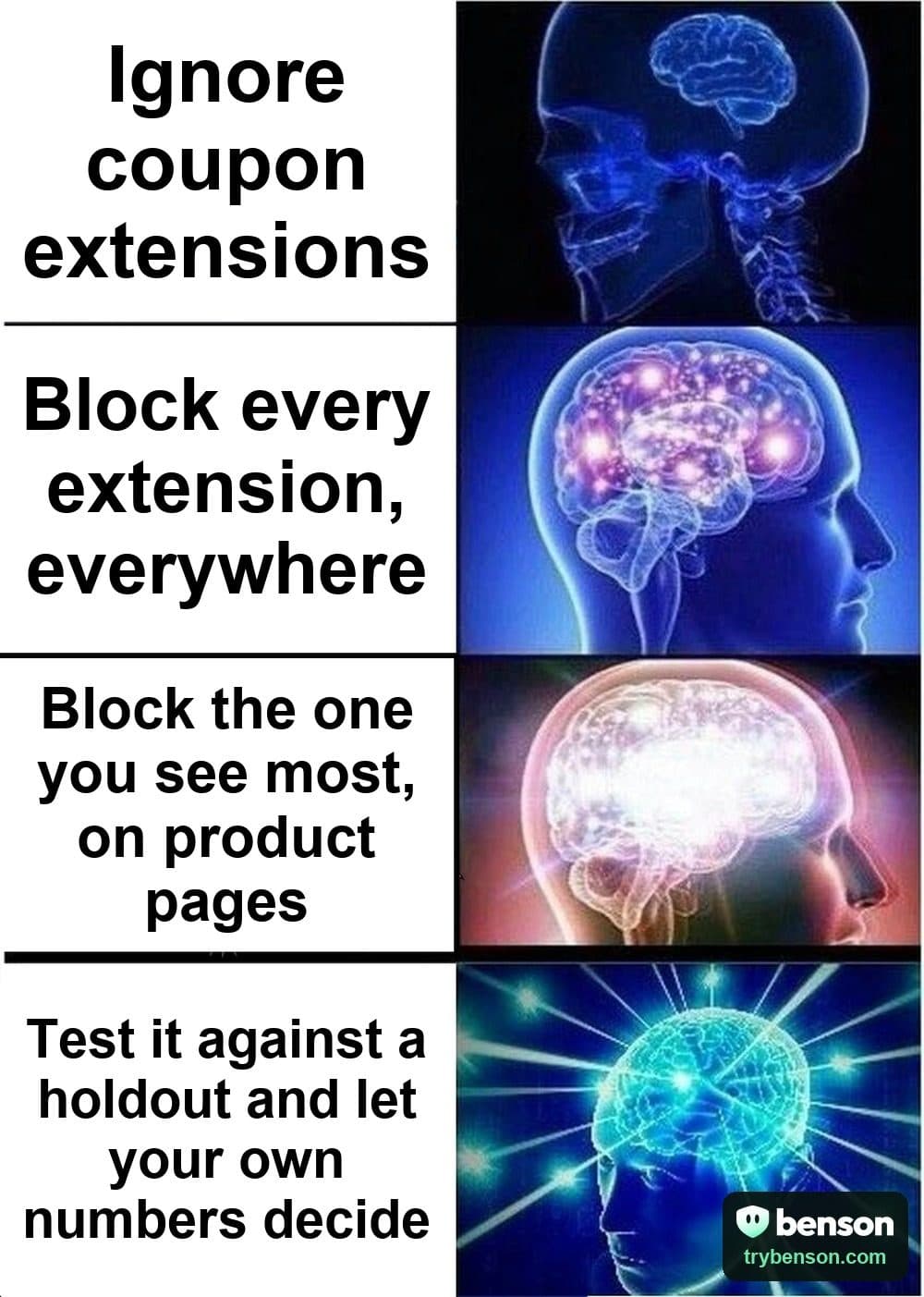
Blocking everything is a guess: some extensions bring you sales, others take commission on orders you'd have had anyway. A holdout keeps a slice of extension shoppers unchanged, so the difference you see comes from your change, not the season. One test at a time builds a store setup you can defend.
Who it's for
Stores with a week or two of observing behind them that want proof before they commit.
The steps
Work through the plan
0 of 8 completed
Progress stays on this device · Local marks are a reading aid; they do not verify your store or change Benson.
Step 1: Start from a baseline
Observe mode records what Benson would hide, without hiding anything. It's free on every plan.
To doIn Benson: Open BlockerOpen BensonBenson checks this in your account
Step 2: Pick one thing to test
Start with the extension you see most, or the page where pop-ups appear most. One change at a time keeps the result clear.
To doIn Benson: Open ExtensionsOpen BensonYou decide when this is complete
Step 3: Write a rule for just that
A rule can name one extension, or only act on some pages, countries, devices or traffic sources.
To doIn Benson: Open BlockerOpen BensonBenson checks this in your account
Step 4: Switch it on
In Block mode, your rules hide the pop-ups they match on your storefront.
To doBenson checks this in your account
Step 5: Keep a holdout
Leave a small share of extension visitors unprotected. Comparing the two groups is the experiment.
To doBenson checks this in your account
Step 6: Leave it running
Don't change the rule while the test runs. Benson tells you in Insights when the difference is clear.
To doIn Benson: Open InsightsOpen BensonYou decide when this is complete
Step 7: Read the result
Value shows revenue per session for protected and unprotected shoppers, with a range.
To doIn Benson: Open ValueOpen BensonBenson checks this in your account
Step 8: Plan your next test
Keep what worked, then pick the next idea: another extension, another page, or your own offer.
To doIn Benson: See experiment ideasOpen BensonYou decide when this is complete
How you'll know it worked
A measured difference from your own shoppers, with a range, and a list of what to test next.
What to watch: Revenue per extension session, protected against the holdout
Want the method behind the numbers? Read how to measure extension impact.
Do this in Benson
Every store starts with a free trial, no card. Steps that need a paid plan say so, and you can switch in a minute.

