
You have a deal with an extension
Find out whether a partner you pay brings you sales, then keep, renegotiate or cut it.

Read the transcript1:11
Are you paying for sales you'd make anyway?
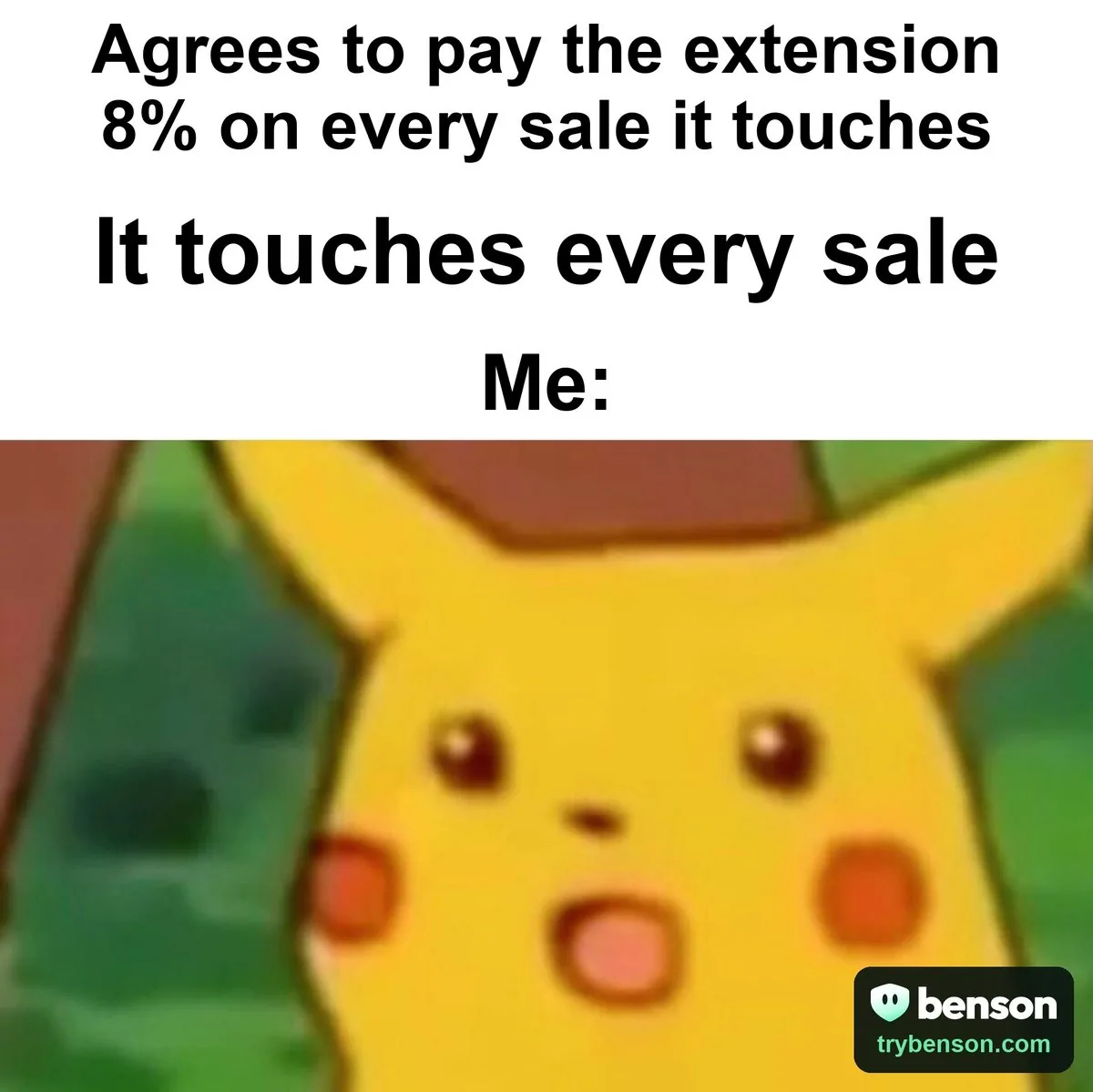
So you've got a deal with a cashback extension. Lovely. You pay it a commission on every order it touches.
Here's the thing. If it turns up after the shopper's already at the cart, it didn't find you that sale. It found your checkout.
You have a deal with an extension. Let's see if it's earning its keep.
Record the deal and turn on Attribution
Start by recording the deal: which extension, how you pay, and at what rate. Only your team sees it.
Turn on Attribution. It notices when an extension grabs the credit at the last minute.
Read the deal readout and decide
The deal readout shows the partner's orders, what you've paid it, and how often it turned up late.
Then decide. Keep it, renegotiate with the receipts in hand, or cut it, and prove it with a holdout.
Protect your partners, report to your network
Block the extensions you don't pay, let your partners through, and allow your partner's code, so its shoppers keep their discount.
Then export the network report, and send it to your network contact. Awkward, but useful.
Either the partner's late share goes down, or your rate does. Both are good news.
Find this playbook in Benson.
At a glance
Find out whether a partner you pay brings you sales, then keep, renegotiate or cut it.
Your partner's late-funnel share goes down, or your rate does.
Late-funnel share of the partner's orders
7 practical steps

Who it's for
Stores that pay Rakuten, Capital One Shopping, TopCashback or another extension through an affiliate network, a flat fee or an exclusive code.
The problem
You signed with a cashback or coupon extension because it promised new customers. Every month there's an invoice, and every month it's hard to say what you got for it.
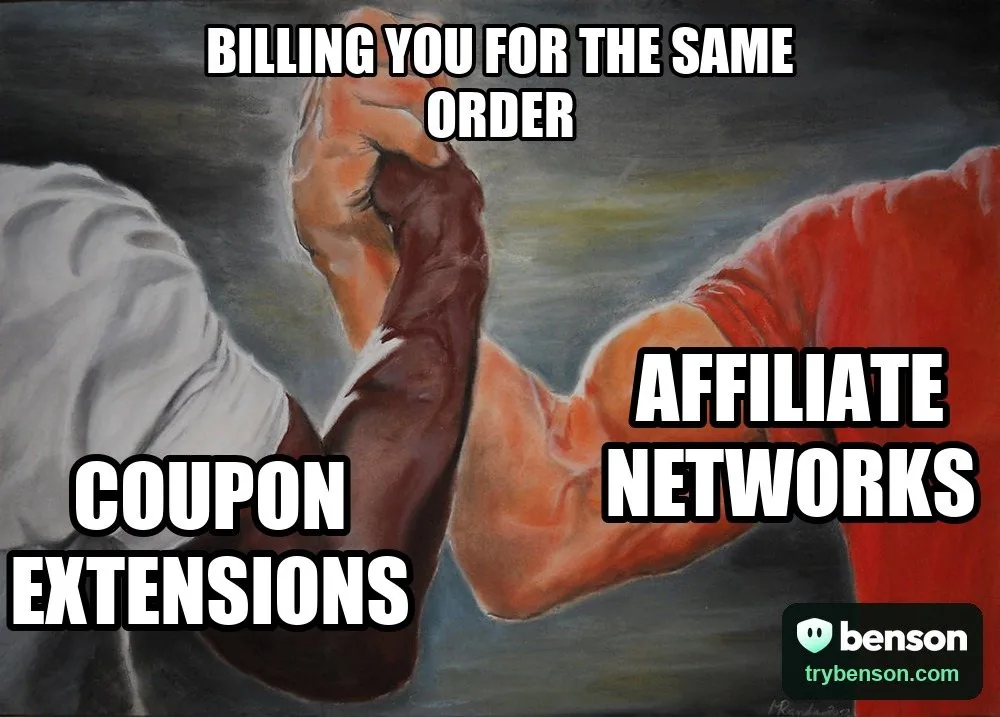
The awkward part is that many of those orders were already happening. The shopper found you and filled the cart, then the extension appeared at the last moment and took the credit. You paid commission on a sale you'd already won.
When you pay an extension commission, every order it touches costs you a share of the sale. If it joins after the shopper has already reached the cart, you're paying for a sale you'd have made anyway. Benson shows how often that happens, so you can decide with evidence.
How to approach it
Write the deal down
Record which extension you pay, how and at what rate, so every readout shows the money alongside the orders.
Measure when it joins
Attribution separates the orders a partner found from the ones it joined late. That split is the whole argument.
Decide with evidence
Keep it, take the readout to your network and renegotiate, or cut it and confirm with a holdout. Meanwhile, hide the extensions you don't pay and keep your partner's code working.



The steps
Work through the plan
0 of 7 completed
Progress stays on this device · Local marks are a reading aid; they do not verify your store or change Benson.
- To do
Step 1: Record the deal
Tell Benson which extension you pay, how, and at what rate. It stays private to your team.
- In Benson:Record a deal
- Open Benson
Benson checks this in your account
- To do
Step 2: Turn on Attribution
Attribution notices when an extension takes the credit for a sale late in the journey. That's the evidence the deal readout uses.
- In Benson:Open Attribution
- Included in Pro
- Open Benson
Benson checks this in your account
- To do
Step 3: Read the deal readout
The partner's extension page shows its orders, the commission you paid, and how often it joined late in the funnel.
- In Benson:Open the readout
- Once you've recorded a partner
- Open Benson
You decide when this is complete
- To do
Step 4: Decide: keep, renegotiate or cut
Likely bringing you sales? Keep it. Likely paying for sales you'd get anyway? Renegotiate with the report, or cut it and prove it with a holdout.
- In Benson:Review the verdict
- Once you've recorded a partner
- Open Benson
You decide when this is complete
- To do
Step 5: Block every extension except your partners
Hide pop-ups from the extensions you don't pay, and let your partners through.
- In Benson:Set up the rule
- Open Benson
Benson checks this in your account
- To do
Step 6: Protect your partner code
When checkout rules are strict, only allowlisted codes work in extension sessions. Allow your partner's code so its shoppers keep their discount.
- In Benson:Open the allowlist
- Open Benson
Benson checks this in your account
- To do
Step 7: Export the network report
The printable report lists late-funnel overwrites by network, with the method stated. Send it to your network contact.
- In Benson:Open the report
- Included in Pro
- If your partner pays through an affiliate network
- Open Benson
You decide when this is complete
Common pitfalls
Cutting a partner on a hunch
Some partners do bring new shoppers. Read the late-funnel share before you decide, and test a cut with a holdout.
Hiding your partner by accident
A blanket rule hides everyone. Use the rule that lets your partners through, and allow their code so their shoppers keep the discount.
Negotiating without the method
Networks push back on numbers they can't check. The printable report states how it was measured. Send that, not a screenshot.
Reading a single week
Partner traffic is lumpy around their own promotions. Look at a full month before you call it.
How you'll know it worked
Your partner's late-funnel share goes down, or your rate does.
What to watch: Late-funnel share of the partner's orders
Want the method behind the numbers? Read how to measure extension impact.

Do this in Benson
Every store gets every Pro feature free for its first 14 days, no card. Steps that need Pro say so.