
Before your code freeze
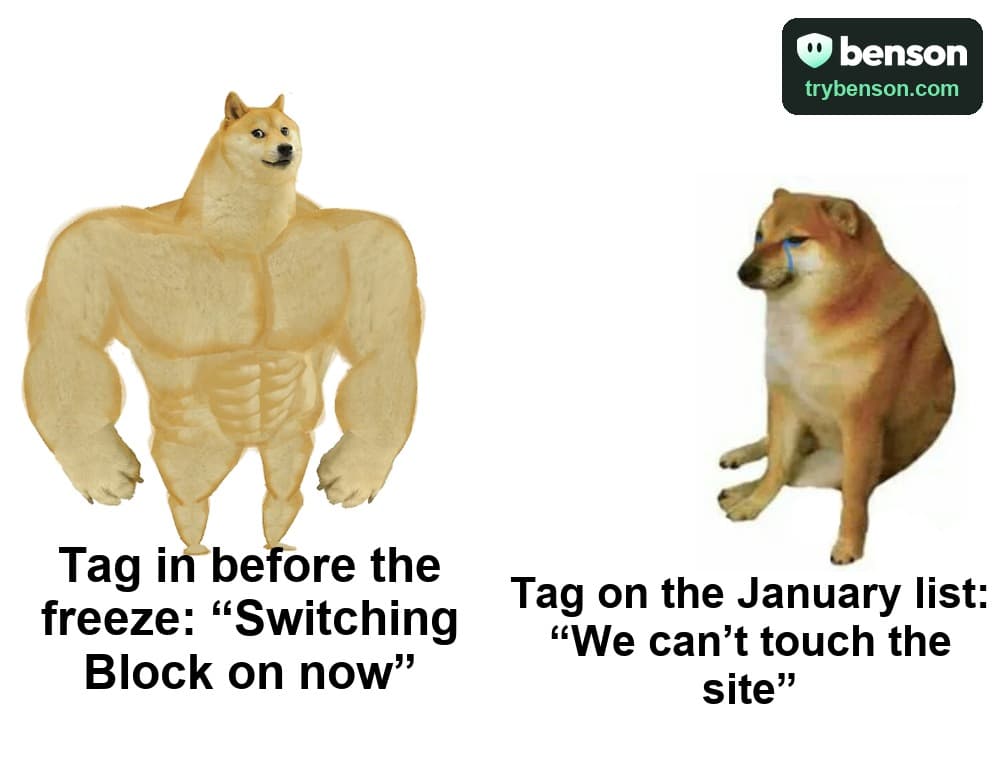
Get everything that touches your site in before the freeze, so peak season only needs settings.


Jump to a section
At a glance
7 practical stepsGet everything that touches your site in before the freeze, so peak season only needs settings.
The result to look for: Peak protection ready.
Nothing on your site has to change during peak. Every switch you might want is already in place, or a setting away.
Jump to the stepsWhy it matters
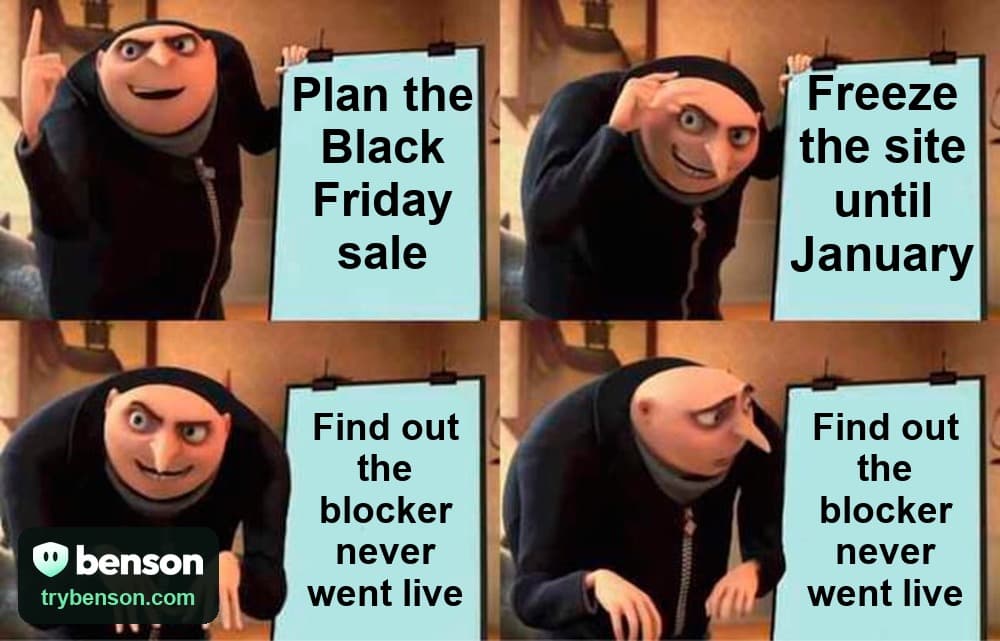
Many stores stop changing their site weeks before Black Friday and don't start again until the new year. Anything that needs your theme, your tag manager or your developer has to land before then. Benson needs one tag, and after that every rule, code policy and offer is a setting in Benson, so you can still act during peak without a deploy.
Who it's for
Stores with a code freeze before their peak season. Start a month before the freeze if you can.
The steps
Work through the plan
0 of 7 completed
Progress stays on this device · Local marks are a reading aid; they do not verify your store or change Benson.
Step 1: Get the tag in before the freeze
It's the only change Benson makes to your site. Add it through your theme, Google Tag Manager or your developer, and publish it while you still can.
To doIn Benson: Check your installOpen BensonBenson checks this in your account
Step 2: Install the checkout piece too
On some stores, the strict code policy needs the Benson app, plugin or checkout guide in place first. Do it now, even if you only switch the policy on for the sale.
To doBenson checks this in your account
Step 3: Clear Benson with whoever owns the freeze
Send your developer the brief. If your site has a content security policy or a cookie banner, Benson goes into them in the same change.
To doIn Benson: Brief your developerOpen BensonYou decide when this is complete
Step 4: Watch a normal month
Observe mode records what Benson would hide, without hiding anything. A few ordinary weeks give you a baseline to read the sale against.
To doIn Benson: Watch liveOpen BensonBenson checks this in your account
Step 5: Test now, not during the sale
Ordinary weeks make a fair test. Put the rule you're considering behind a holdout now, and decide before the freeze whether it stays on for peak.
To doIn Benson: Start a holdoutOpen BensonBenson checks this in your account
Step 6: Schedule your sale rules
A scheduled rule hides extension pop-ups on your storefront only while the sale runs. Set it up before the freeze, and nothing needs deploying during it.
To doIn Benson: Add a scheduled ruleOpen BensonBenson checks this in your account
Step 7: Agree who changes what during the freeze
Benson settings aren't deploys. Your team should still know who can switch on Block, tighten your codes or go back to observe mode during peak.
To doIn Benson: Open the team kitOpen BensonYou decide when this is complete
How you'll know it worked
Nothing on your site has to change during peak. Every switch you might want is already in place, or a setting away.
What to watch: Peak protection ready
Want the method behind the numbers? Read how to measure extension impact.
Do this in Benson
Every store starts with a free trial, no card. Steps that need a paid plan say so, and you can switch in a minute.

